
Keep a moment. Give it motion.
Animate a cherished photo with AI and turn it into a short video. Explore photo templates, review the result and share a memory.
Download on the App StoreIn-app purchases available.

From one photo to a short video.
Choose a photo, explore a template and review the animation.
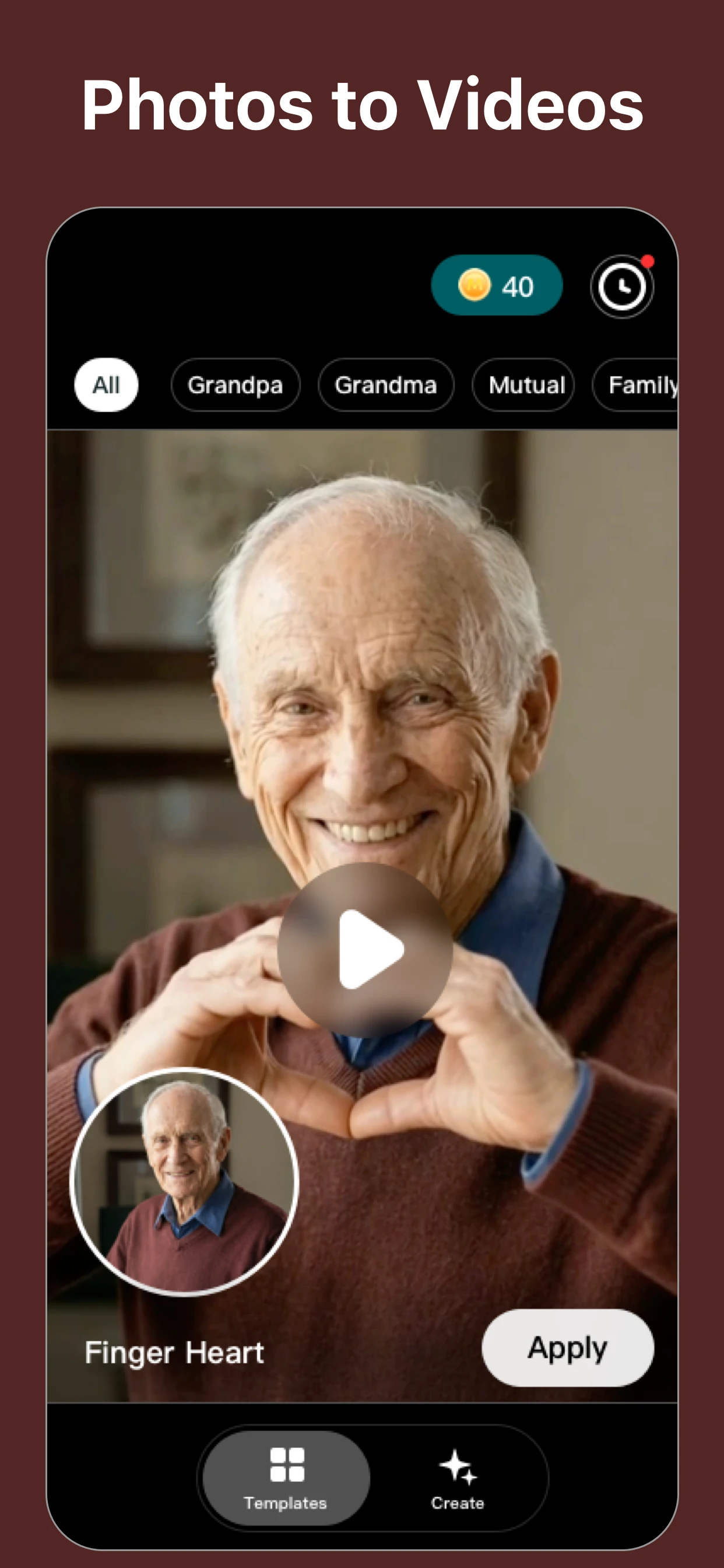
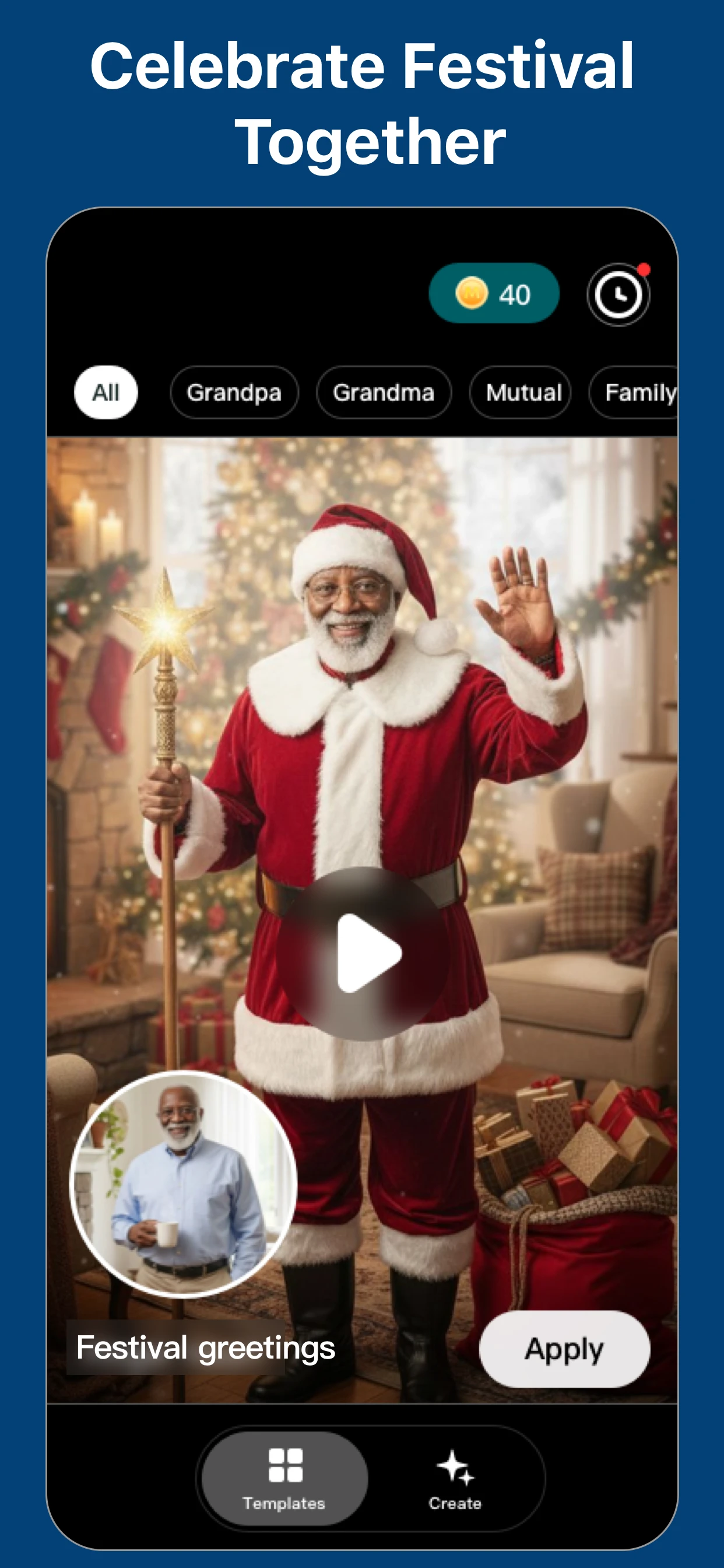
A memory, a new movement.
Choose a meaningful photo
Use a clear photo you have permission to animate.
Explore a template
Find a motion or occasion that suits your idea.
Review before sharing
Check the generated details and keep your original.
Current App Store artwork. Results vary.
Make room for the original.
An animation is a new interpretation. Keep the photo and share thoughtfully.
Explore the photo guidesStart with a photo that matters.
Before you begin.
Need help? Visit Support.
Is the animation original footage?
No. It is AI-generated motion based on a photo. It may change details and should be shared as an interpretation.
Does EverMemory include purchases?
Some features require an in-app purchase. Availability and prices depend on the current offer and region. Review the details in the app before purchasing.
Can I animate photos on this website?
Animate photos in the EverMemory app. This website provides product information, guides and support.